

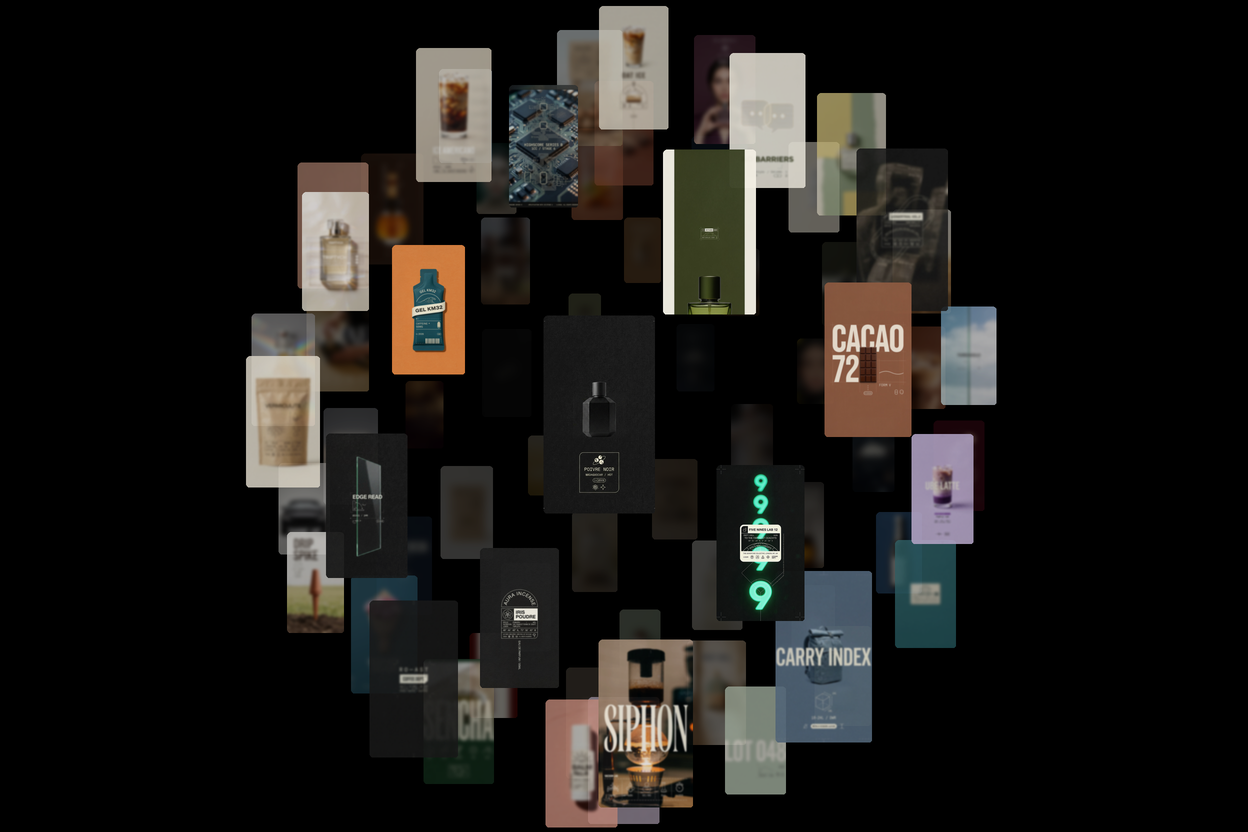
The fastest way to produce AI photos is not a faster model. It is a different workflow: generate in bulk, then select with your keyboard instead of your mouse. In Shortodella that second half is called Curate — a full-screen review grid where you sweep the cursor across a batch, hold one key to keep, another to discard, and walk away with only the images worth keeping.
A batch of a hundred images takes a couple of minutes to review. Not because you look at them less — because nothing else is in the way.
Selection Is the New Bottleneck
Image generation got cheap. Nobody generates one image anymore — you run the same prompt twenty times, tweak two words, run it again. The batch is the unit of work now. But most people still review batches the slow way: open a folder, click a file, look, close, click the next one. Keep a mental list. Lose the mental list. Start over.
The math is unforgiving. If generation takes one minute and reviewing takes ten, the model was never your bottleneck. Your file manager was.
How Curate Works
Curate lays the whole batch out in a justified grid — every image at its own aspect ratio, no crops, sized so a few rows fill the screen with the next row peeking in. Then it gets out of the way:
• Hold S and move the cursor — every image you touch is kept
• Hold D and move the cursor — every image you touch is discarded
• Space pages down exactly one row, so you never lose your place
• Hold Z to zoom the image under the cursor full-screen, release to drop back
• + and − resize the tiles when you want a closer look or a wider sweep
You paint decisions instead of clicking them. Every action autosaves within a fraction of a second — close the tab mid-review and your picks are still there. A counter in the header keeps the running score: how many kept, how many discarded, how many left.
Review While It Generates
You do not wait for the batch to finish. The grid opens as soon as generation starts, and placeholders swap into finished images live, every few seconds. By the time the last image renders, you have usually already judged the first ninety. Generation time and selection time stop adding up — they overlap.
Video and Audio Too
The same grid handles video batches — clips play on hover, and pressing E over a clip opens a trimmer so you can cut the three good seconds out of a ten-second generation without leaving the review. Trimmed clips land back in the grid as new assets.
Audio batches get square cards you audition on hover. Same keys, same flow.
For Developers: a Human Checkpoint in an Automated Pipeline
Curate is also an API primitive. Send a list of asset IDs to POST /api/v1/site-tools/curate and you get back a URL. Open it, review, and your script polls the session until it returns two lists: selected and discarded. Sessions hold up to 200 assets and live for 24 hours.
That makes it the missing piece in agent workflows: the pipeline generates hundreds of candidates unattended, a human spends two minutes on taste, and the pipeline continues with only the winners. Machines do volume, you do judgment.
How to Try It
1. Open shortodella.com and ask the chat for a batch — "20 variations of a product shot on colored backgrounds".
2. Open the curate link for the batch and sweep through it with S and D.
3. Keep the winners — they stay in your library, ready for editing, video, or export.
Have a folder of images on your machine already? There is a local version of Curate that needs no account: drop files in, review with the same shortcuts, and nothing ever uploads — everything stays on your device.
Generate your next batch at shortodella.com — and stop losing your best images to a file manager.